Clean Storage.
Smart Decisions.
Cleaner: Clean Up Storage analyzes how you use your device and surfaces what's actually safe to remove. No guesswork. No accidental deletions.
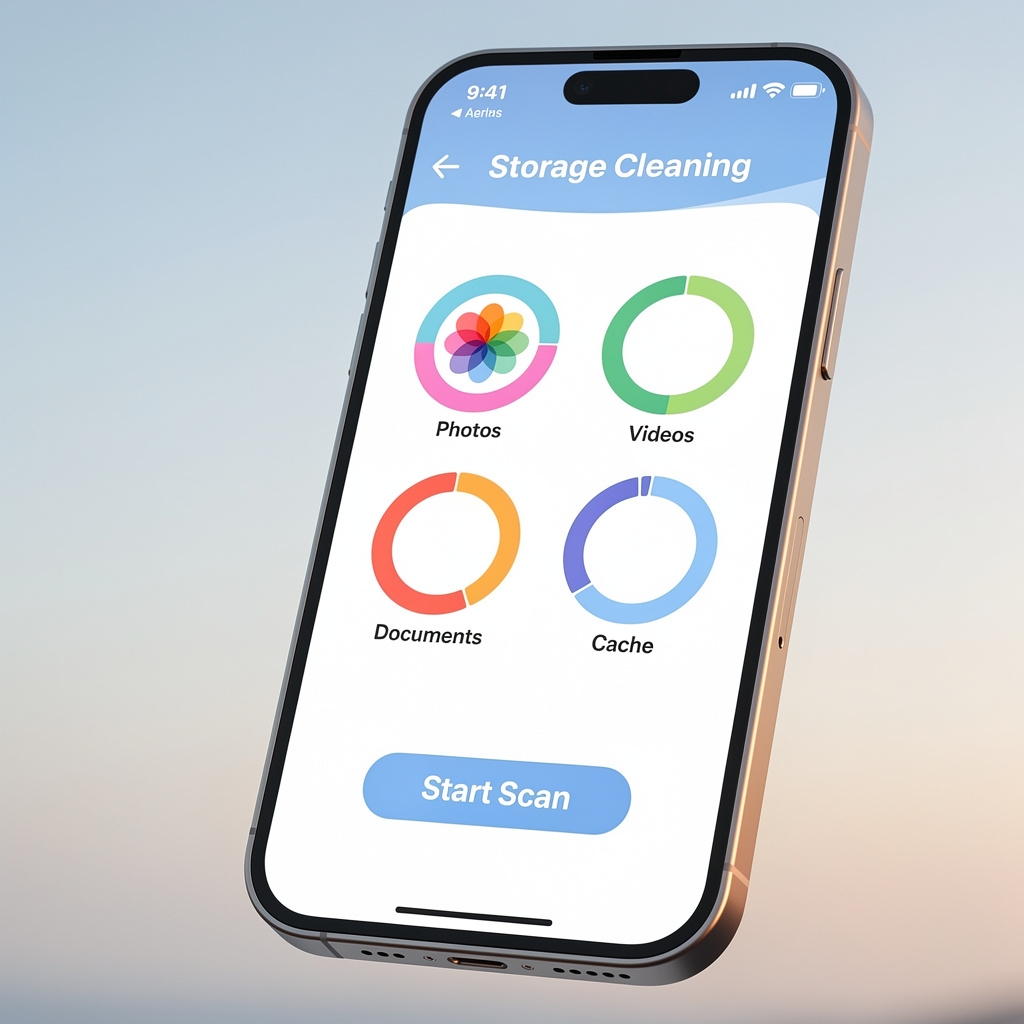
Storage management that understands your habits
Most cleaning apps treat every file the same. Cleaner: Clean Up Storage takes a different approach. It observes usage patterns over time, then uses that context to inform its recommendations.
The result is a cleaning experience where you stay in control. Files you open regularly are flagged differently from files that have sat untouched for months. You see the full picture before anything is removed.
Available for iPhone and iPad, the app fits naturally into how people already manage their devices. Quick scans when you need them. Deeper analysis when you want it.
What the app does
Four distinct capabilities that work together to give you a clear view of your storage and the confidence to act on it.
Intelligent Recommendations
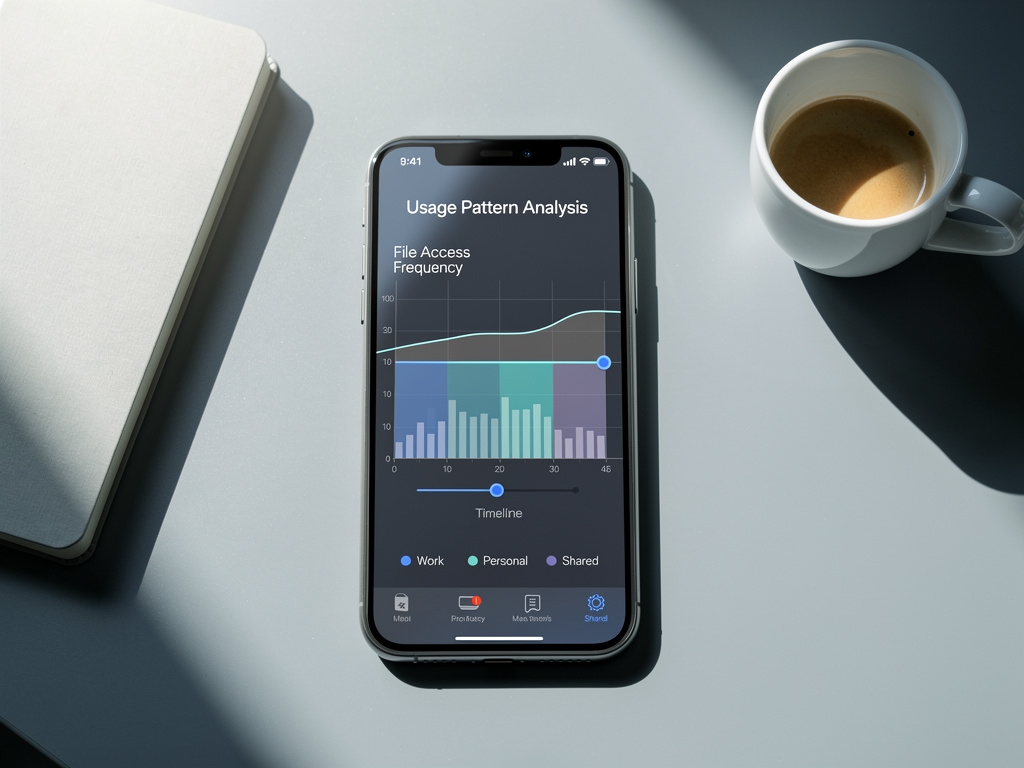
The app analyzes how often you open files, when they were last accessed, and how they relate to other content on your device. Recommendations reflect actual usage, not just file size.
Category-Based Scanning
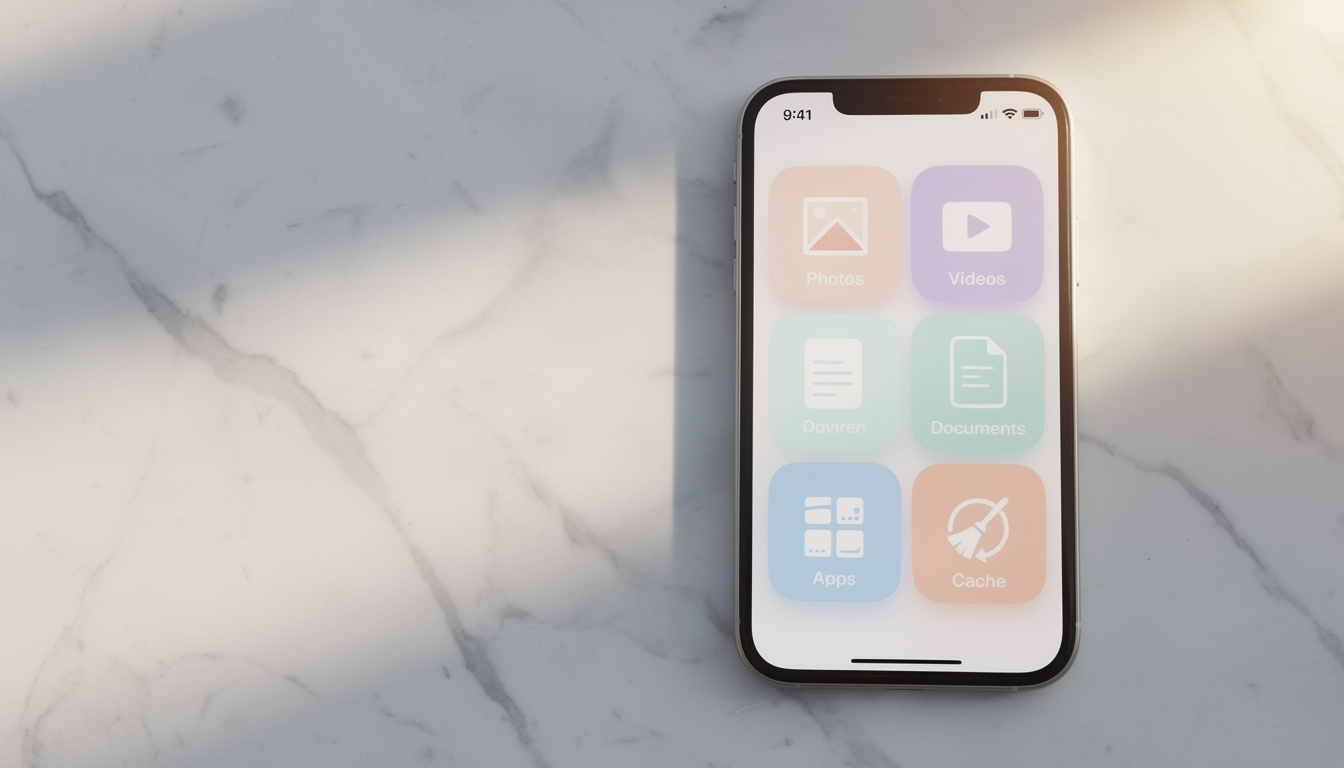
Choose to scan photos, videos, documents, or all categories at once. Focused scans mean faster results and a clearer view of exactly which type of content is consuming the most space.
Duplicate Detection
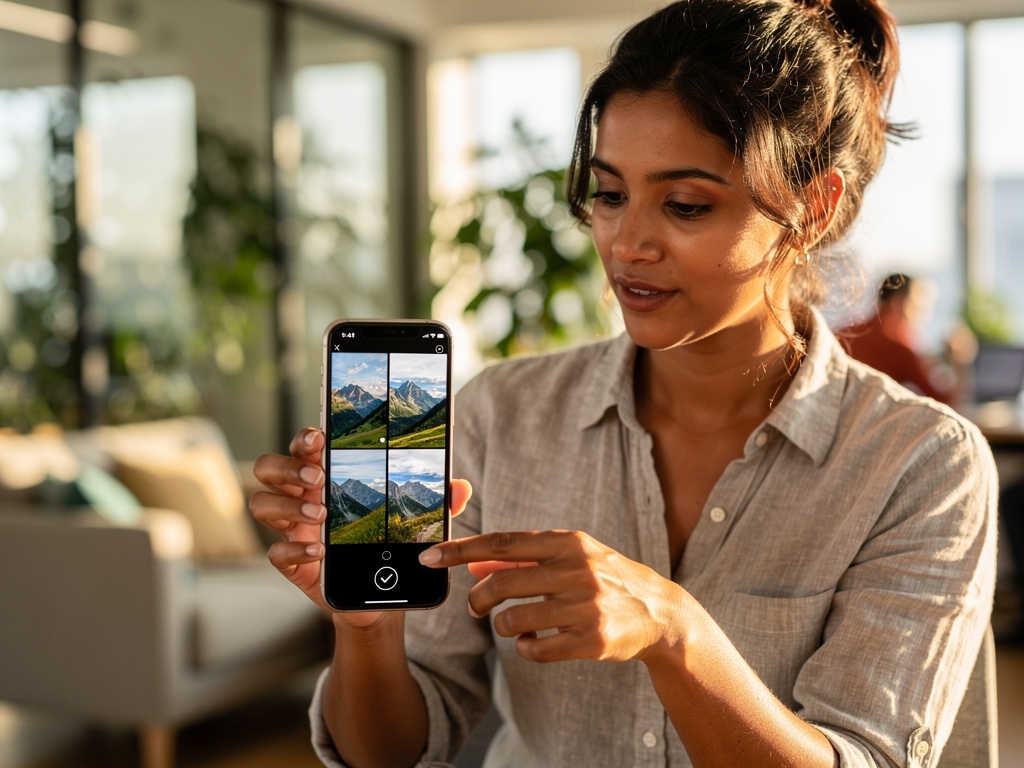
Identical files accumulate without you noticing. The scanner identifies exact duplicates and near-duplicates across your library, showing you what's redundant so you can decide what to keep.
Cache & Temp Cleanup
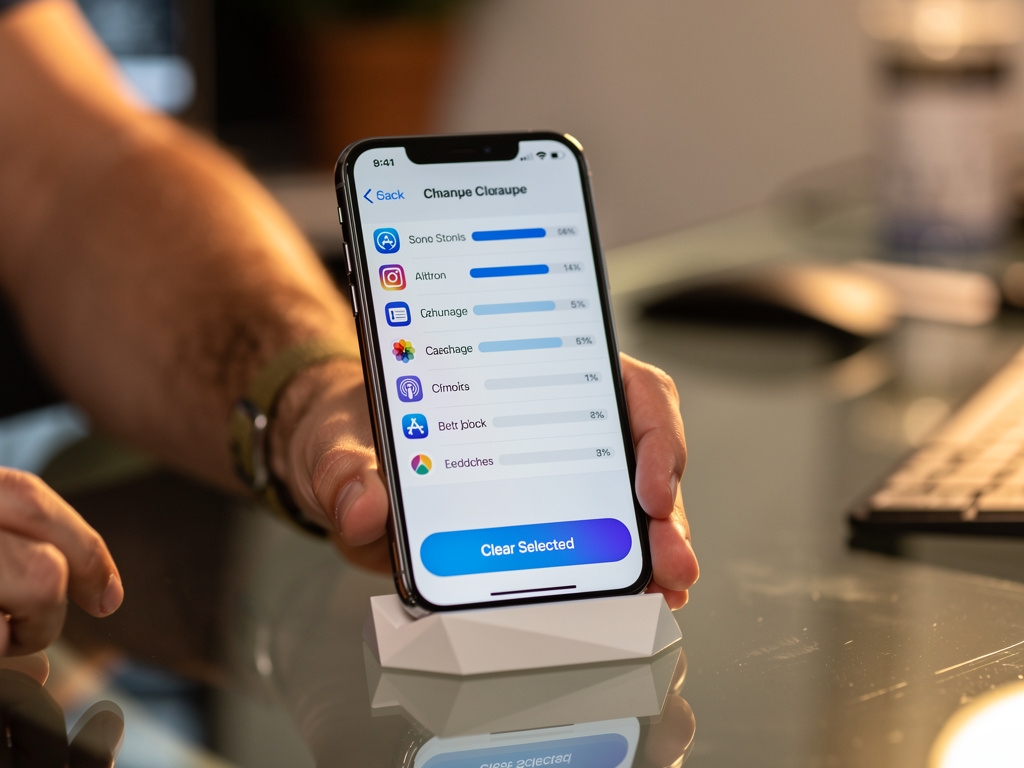
App caches and temporary data build up over time. Cleaner identifies these files, separates them from your personal content, and lets you clear them independently without affecting your documents or media.
Different needs, one app
Whether you run a quick scan occasionally or prefer a thorough periodic review, Cleaner adapts to your workflow.
Quick Scan
A fast pass over your most common storage culprits. Ideal when you need space in a hurry and want to act on the obvious items first.
- Large file detection
- Cache overview
- Quick action suggestions
- Runs in seconds
Deep Scan
A thorough analysis across all categories. The app examines your entire library, cross-references usage patterns, and surfaces everything worth reviewing.
- All Quick Scan features
- Duplicate detection
- Category breakdown
- Usage pattern analysis
- Personalized recommendations
Scheduled Scan
Set a recurring scan schedule and let the app handle monitoring in the background. You get notified when there's something worth acting on.
- Automatic scheduling
- Smart notifications
- History tracking
- Trend reporting
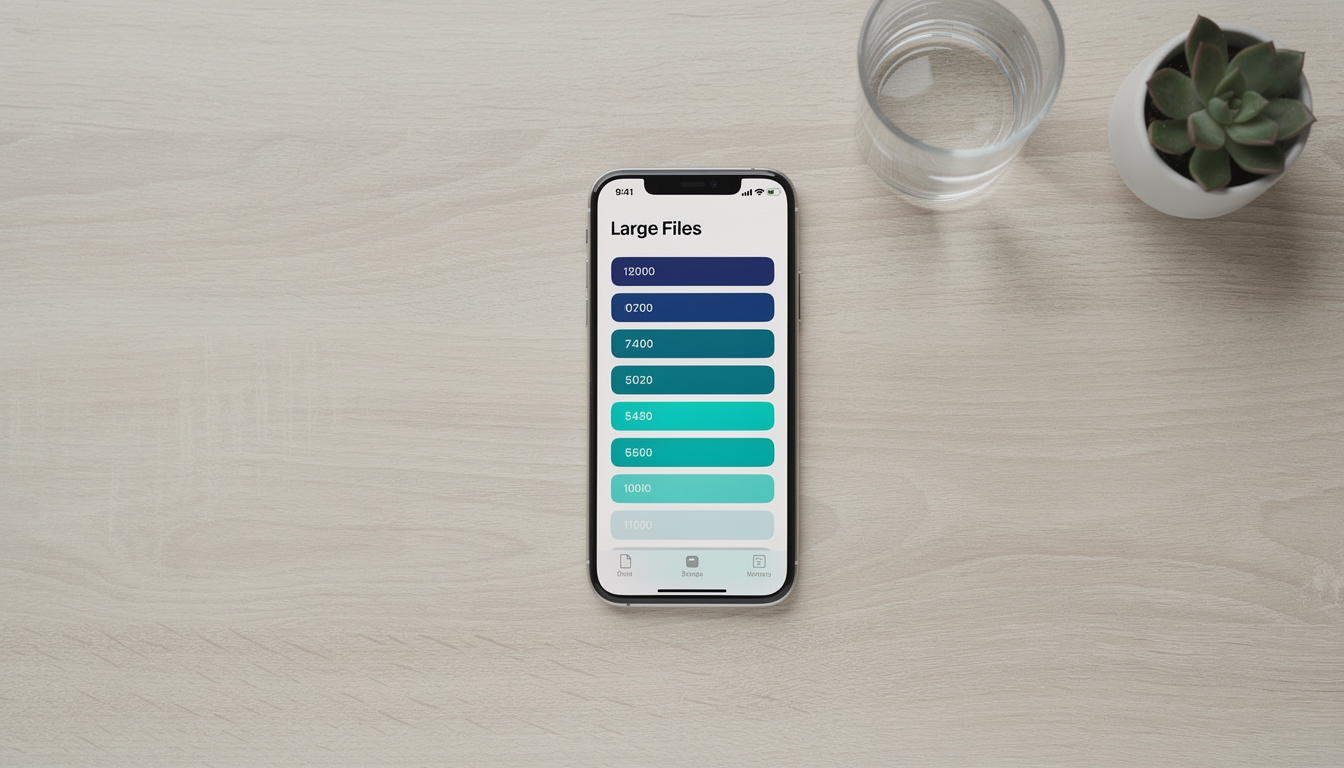
A closer look at the interface
A practical tool for everyday iPhone users
Cleaner suits anyone who has noticed their device slowing down or running low on space. You don't need technical knowledge to use it. The interface is clear, the recommendations are explained in plain language, and nothing happens without your confirmation.
Photographers and video creators who store large amounts of media will find the category-based scanning especially useful. Professionals who accumulate documents and email attachments benefit from the focused document scan. Casual users who simply want to free up space without digging through settings will appreciate the quick scan workflow.
The app also suits users who have tried generic cleaning tools and found them too aggressive. Cleaner's usage-pattern approach means recommendations are grounded in how you actually work, not just what's taking up the most bytes.
Photographers & Creators
Category scans identify photo and video duplicates quickly, even across large libraries.
Professionals
Document-focused scans surface attachments and cached files that accumulate from work apps.
Everyday Users
Quick scan mode makes reclaiming space straightforward without any technical background needed.
Privacy-Conscious Users
All scanning happens on-device. No files are uploaded or shared with external servers.
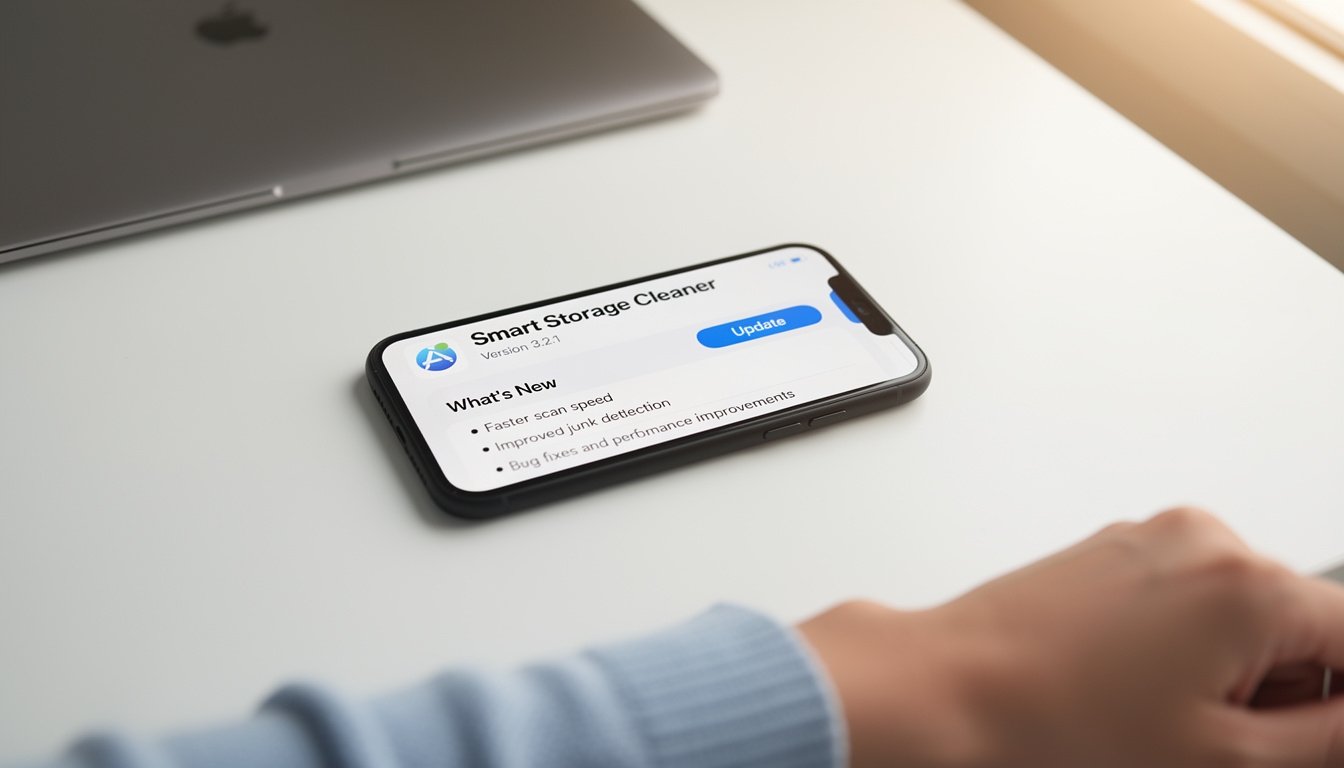
Regular updates, real improvements
Cleaner receives consistent updates through the App Store. Each update cycle includes a mix of feature additions and bug fixes, informed by how the app is actually being used.
Updates have introduced refinements to the scanning algorithm, additional category options, and interface improvements that make common actions faster. The development team responds to user feedback through each release cycle.
Ready to reclaim your storage?
Cleaner: Clean Up Storage is available on the App Store. Download it directly and start your first scan in under a minute.
View on App Store